How to use GSA Search Engine Ranker
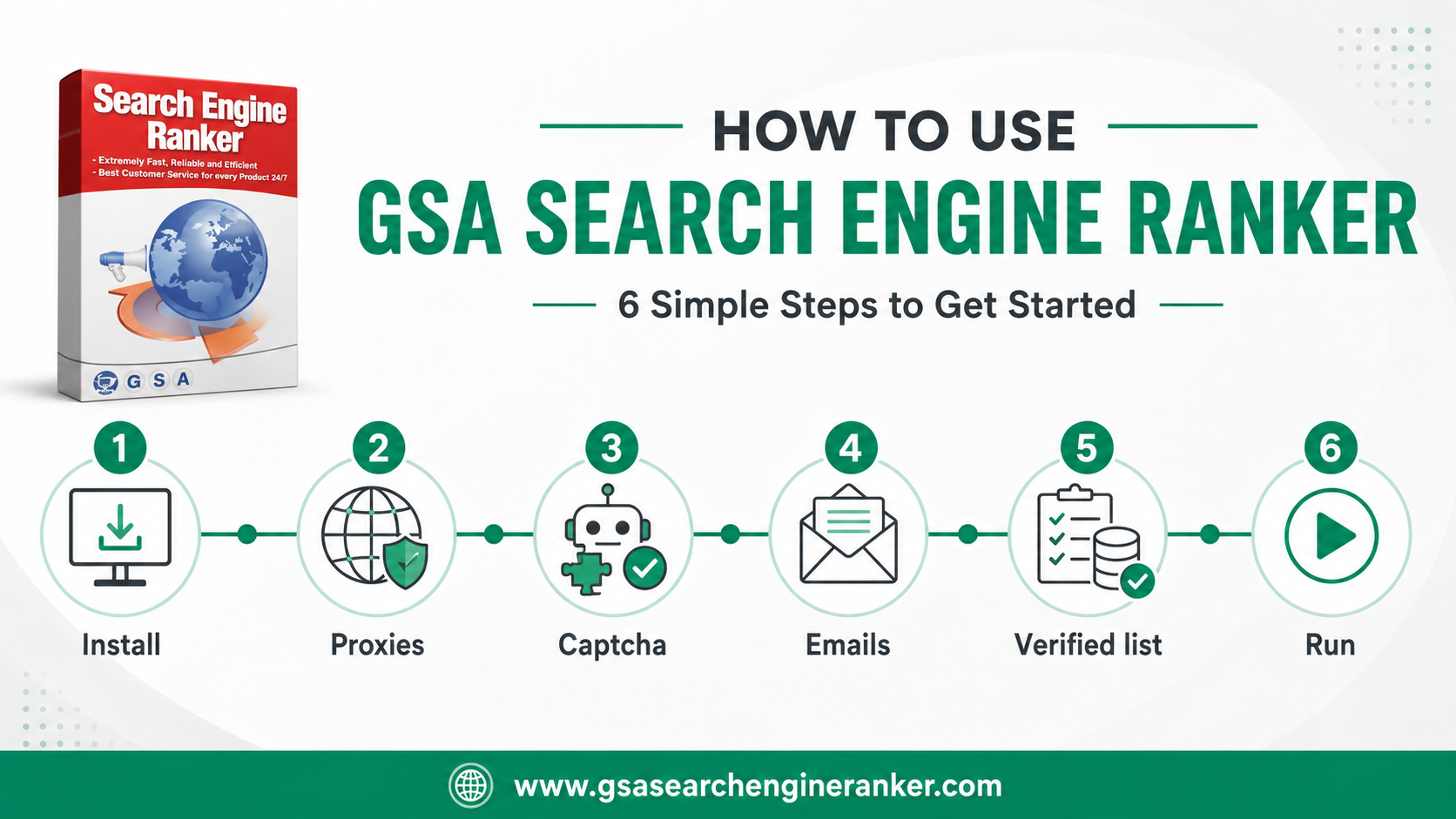
Six steps from a fresh install to GSA SER building links. This is the practical sequence — install, connect proxies and captcha solving, add emails and a verified list, then build your project and run.
GSA SER is configurable enough to be intimidating, but the core workflow is simple. Follow these six steps in order and you'll have it posting links. Free video tutorials for each area are linked below.
Install GSA SER and add your licence
Download and install GSA Search Engine Ranker on a Windows machine, then enter your licence key. Most users install it on a VPS so it can run 24/7 without tying up their own PC.
Connect proxies
Add proxies in GSA SER's options so your submissions aren't all coming from one IP. Plan roughly one proxy per ten threads. Dedicated proxies give the most stability.
Set up captcha solving
Connect a captcha service so GSA SER can clear reCAPTCHA, hCaptcha, image and text captchas. GSA Captcha Breaker handles image captchas; XEvil-style services handle reCAPTCHA.
Add email accounts
GSA SER registers accounts on target sites, which need email verification. Load a pack of verified email accounts so registrations don't stall.
Import a verified link list
Load a verified target list so GSA SER posts to sites already known to work, instead of crawling blindly. Import as 'verified' (not 'identified') to avoid re-testing everything.
Build your project and run
Create a project with your URLs, keywords, anchor text and content, point it at the verified list, set sensible thread limits, and start. Watch the verified-link count and tune from there.
Free GSA SER video tutorials
Asia Virtual Solutions publishes a full free tutorial series. The most useful ones to start with:
- 📹 GSA SER Installation Guide
- 📹 GSA SER Proxy Settings
- 📹 GSA SER CAPTCHA Settings
- 📹 GSA SER Submission Settings
- 📹 GSA SER Projects — Data Tab
- 📹 GSA SER Projects — Options Tab
Common mistakes to avoid
- Importing a list as "identified" instead of "verified" — forces GSA SER to re-test everything and wastes hours.
- Too many threads for your proxy count — keep roughly a 1:10 proxy-to-thread ratio.
- No captcha solver — without one, GSA SER stalls on most modern targets.
- Running on a sleeping home PC — use a VPS so it never stops.
Get GSA SER and follow along
Buy the official licence at the discounted $90.21 and use the free tutorials above to get running.
Get GSA SER — exclusive discount →Affiliate link. We may earn a commission at no extra cost to you — the discount is yours either way.